CLICK BELOW TO WATCH FIRST!
Watch this short video to see exactly how CAD for Events works — and how it can save you time, money and stress.
Confidently Create Professional Event Site Plans, Even If You’ve Never Used CAD
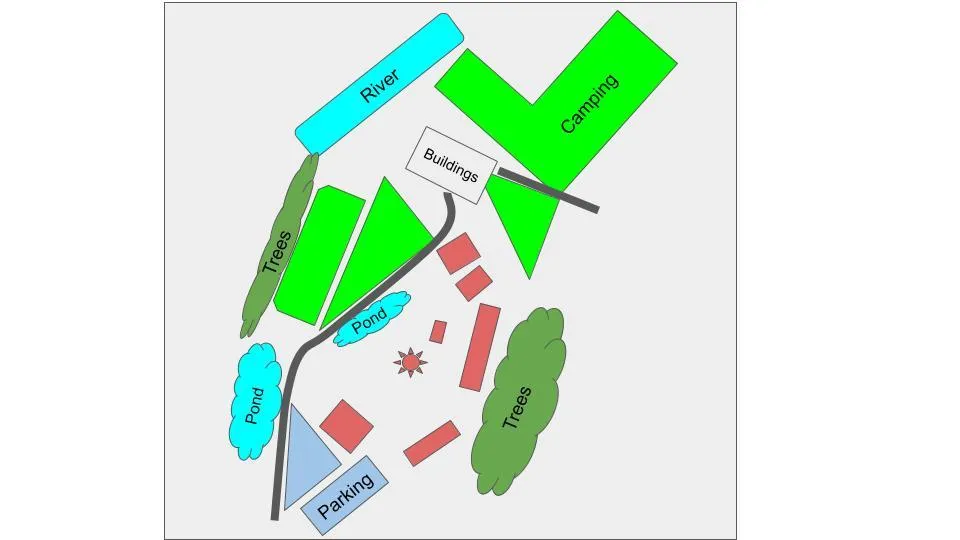
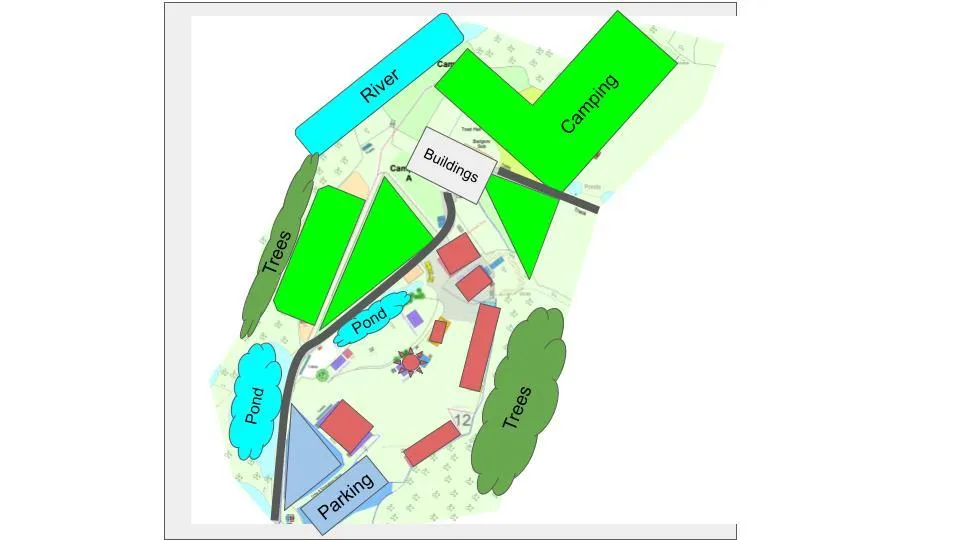
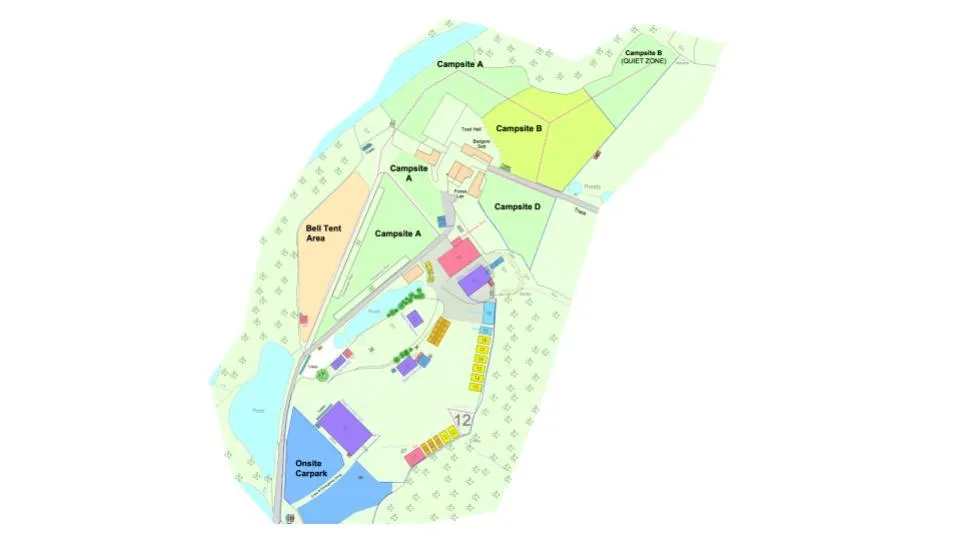
If you're still using PowerPoint or pen-and-paper, it's time to take control. CAD for Events teaches you exactly how to create accurate, industry-standard site layouts — even if you've never opened AutoCAD before.
Still Wasting Time With PowerPoint or Pen-and-Paper?
If you’ve ever had to redraw a layout after a last-minute change, you already know how painful it is to rely on tools that just aren’t built for professional event planning.
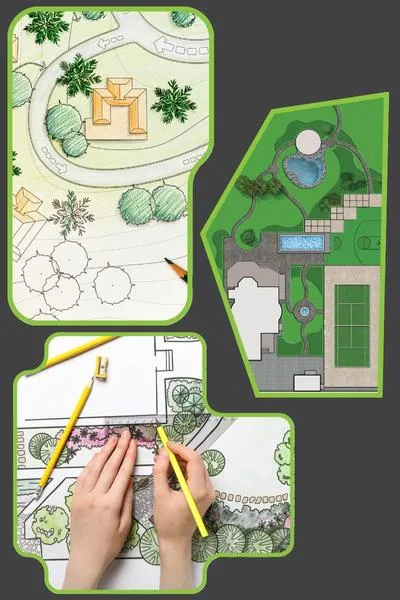
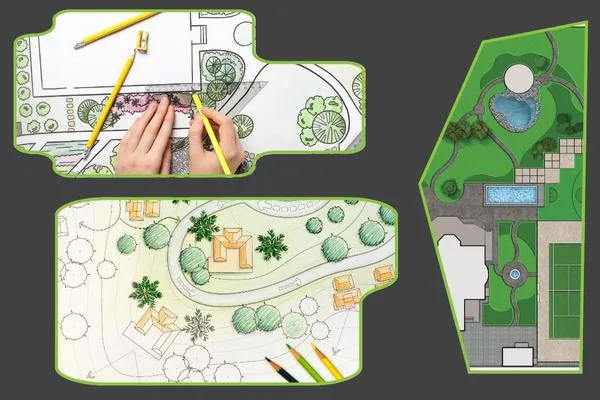
Inaccurate layouts cause missed details and safety issues
Outsourced plans create delays and back-and-forth changes
PowerPoint or PDFs aren’t editable on-site or under pressure
Most CAD software isn’t designed for events — so general training won’t help
Without pro-level plans, tenders often fall short of the mark
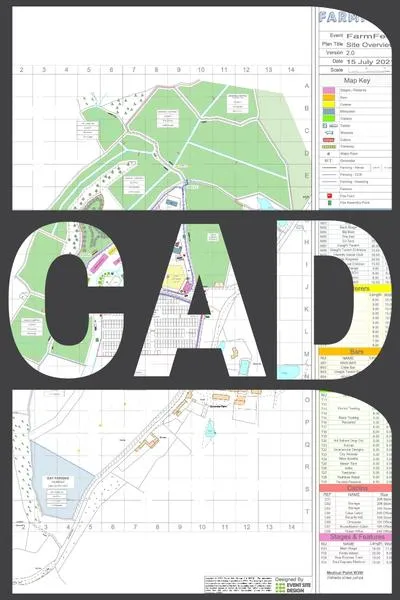
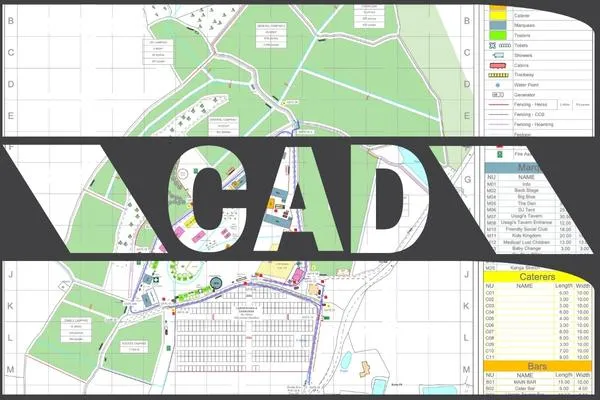
That’s why CAD for Events was built — to help event professionals finally take control
Here’s How CAD For Events Works
Inside the course, you’ll follow a proven system to go from zero CAD experience to producing pro-level site plans with confidence.
Step 1 — Learn the Tools
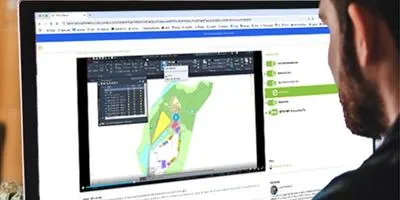
Start with beginner-friendly video modules designed specifically for event workflows — not architecture or general CAD.
Step 2 - Build Real Layouts
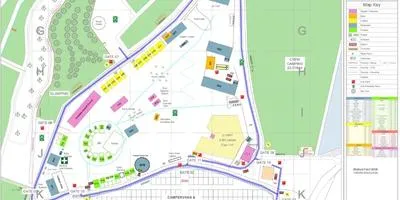
Use supplied venue templates, drag-and-drop blocks, and floor plans to create layouts just like real client briefs.
Step 3 — Deliver The Plans

You’ll produce clean, accurate, client-ready layouts that save time, win tenders, and get used on-site.
No jargon. No filler. You get step-by-step tools to help you work faster, deliver better, and stay in control.
Here’s How CAD For Events Works
Inside the course, you’ll follow a proven system to go from zero CAD experience to producing pro-level site plans with confidence.
Step 1 — Learn the Tools
Start with beginner-friendly video modules designed specifically for event workflows — not architecture or general CAD.
Step 2 - Build Real Layouts
Use supplied venue templates, drag-and-drop blocks, and floor plans to create layouts just like real client briefs.
Step 3 — Deliver The Plans
You’ll produce clean, accurate, client-ready layouts that save time, win tenders, and get used on-site.
No jargon. No filler. You get step-by-step tools to help you work faster, deliver better, and stay in control.
What You Get Inside CAD For Events
You’re not getting a bunch of video tutorials.
You’re getting a complete, proven system for creating professional CAD plans used in real event environments.
✅ 12 Step-by-Step Video Modules
50+ bite-sized lessons with screen-recorded walkthroughs — no CAD experience required
✅ CAD Template Pack
A full library of Event CAD Blocks, saving hundreds of hours of design time ready to drag-and-drop
✅ Workflow PDF Guides
Course Notes detailing everything you learn in the online course and available as a reference document for life
✅ Access for 12 Months
Learn at your own pace, with downloadable files to keep
✅ Certificate of Completion
Demonstrate your in-house CAD ability with verified recognition
✅ Video Archive
Access to recordings of all our Live Sessions, covering advanced features, AutoCAD hacks and event design tips
✅ Lifetime Community Access
Ask questions, share ideas, and get ongoing support
One-time payment: £699
No subscriptions. No upsells. Full access to everything listed above.
Outsourcing a single CAD plan typically costs between £100–£250 per project.
With just 3–4 layouts, you’ve recouped your investment — and everything after that is pure return.

Holly
Ops Manager IMG
“I would highly recommend this course. Easy to follow, informative and well put together. This course is great for someone who has no experience or for someone who wants to improve on their autoCAD skills. Rupert clearly has an abundance of autoCAD knowledge and is able to put it across in a clear and constructive way in order to make the learning process both enjoyable and easy to understand”
“I’ve been looking for years online to find the right autoCAD course that works around my other existing commitments and is structured in a way that is suited to my learning style. This course is exactly that and I’m grateful for the skills and knowledge I’ve gained as a result. Thank you Rupert!”

Territory Manager
Euro 2020 Trophy Tour

Matthew
Product Manager
“Rupert clearly sets out the tools and adds extra tips as he leads you through the use of the software so you can make best use of it. Unlike so many courses, this one has been tailored to our industry, using our terminology so you will be taught tools which you will be using immediately, and which will also save you time – invaluable to us all!”
“An excellent course for event professionals wanting to learn AutoCAD. Rupert is very knowledgeable about AutoCAD and has created a course that is very well structured and easy to follow even if you have no or minimal experience with AutoCAD. The course is broken down into various chapters covering the most important aspects you need to draw site plans. Highly recommend”

Theresa
Territory ManagerEuro 2020 Trophy Tour

Emma
Events Director
“One month ago I was a complete AutoCAD beginner. I’d wanted to learn the basics for many years but had previously been put off by other saying how difficult it can be to use AutoCAD. I’m so amazed and proud of how much I’ve learnt. What I think sets this course above others is its focus on being for event people. Thank you Rupert!”
“For an absolute beginner to AutoCad, this course was perfect. The content is bitesize and well throughtout, and as it relates specifically to my industry there are plenty of tips and tricks that would take years to pick up if I went through non specific tutorials instead. I highly recommend this course”

Alex
Operations manager, Green man festival
These are just a few of the professionals using CAD For Events to take control of their planning process.
Holly
Ops Manager for IMG
“I would highly recommend this course. Easy to follow, informative and well put together. This course is great for someone who has no experience or for someone who wants to improve on their autoCAD skills. Rupert clearly has an abundance of autoCAD knowledge and is able to put it across in a clear and constructive way in order to make the learning process both enjoyable and easy to understand”
Phill
Product Manager at Audience
“I’ve been looking for years online to find the right autoCAD course that works around my other existing commitments and is structured in a way that is suited to my learning style. This course is exactly that and I’m grateful for the skills and knowledge I’ve gained as a result. Thank you Rupert!”
Matthew
Product Manager
“Rupert clearly sets out the tools and adds extra tips as he leads you through the use of the software so you can make best use of it. Unlike so many courses, this one has been tailored to our industry, using our terminology so you will be taught tools which you will be using immediately, and which will also save you time – invaluable to us all!”
Theresa
Territory ManagerEuro 2020 Trophy Tour
“An excellent course for event professionals wanting to learn AutoCAD. Rupert is very knowledgeable about AutoCAD and has created a course that is very well structured and easy to follow even if you have no or minimal experience with AutoCAD. The course is broken down into various chapters covering the most important aspects you need to draw site plans. Highly recommend”
Emma
Events Director
“One month ago I was a complete AutoCAD beginner. I’d wanted to learn the basics for many years but had previously been put off by other saying how difficult it can be to use AutoCAD. I’m so amazed and proud of how much I’ve learnt. What I think sets this course above others is its focus on being for event people. Thank you Rupert!”
Alex
Operations manager, Green man festival
“For an absolute beginner to AutoCad, this course was perfect. The content is bitesize and well thoughtout, and as it relates specifically to my industry there are plenty of tips and tricks that would take years to pick up if I went through non specific tutorials instead. I highly recommend this course”
These are just a few of the professionals using CAD For Events to take control of their planning process.
Is This Right For You?
✅ This Is For You If…
You plan events professionally and want full control of your site plans
You currently rely on PowerPoint, sketches, or external support — and want more control
You’ve never used CAD before, but want to learn quickly
You’re a freelancer, production manager, or site ops lead
You want to stand out in tenders with clean, accurate visuals
❌ This Is Not For You If…
You’re looking for general CAD training for architecture or interiors
You don’t plan or manage event layouts
You want someone else to “do it for you”
You’re not open to learning new software at your own pace
You’re not interested in improving your planning skills or workflow efficiency
You’re looking for general CAD training for architecture or interiors
You don’t plan or manage event layouts
You want someone else to “do it for you”
You’re not open to learning new software at your own pace
You’re not interested in improving your planning skills or workflow efficiency
This course is purpose-built for the events industry — not just adapted from generic CAD tutorials. If that sounds like what you’ve been missing, you’re in the right place.
Got Questions? I’ve Got You Covered
Q: Do I need AutoCAD installed?
Yes, you will need AutoCAD to complete the course. I’ll show you exactly where to download a 30 day free trial and what settings to use.
After the 30 days Autodesk offer affordable monthly plans
Q: I’ve never used CAD before — is this too advanced?
Not at all. This course was designed for complete beginners in the events industry. You’ll be guided step-by-step with videos and templates.
Q: Can I learn at my own pace?
Absolutely. You’ll have full access for 12 months — most planners complete the core training in 3–4 weeks.
Q: What’s included in the course?
Here's what's included:
- Getting to know AutoCAD
- Workspace Setup
- Navigation
- Layers
- Modifying
- Drawing
- Blocks
- Annotating
- Map Keys/Legends
- Site Plan Grids
- External References (adding other drawings, images, google overlays, etc)
- Plotting (printing)
Q: Will this help me win more clients or tenders?
Many past students have used their new skills to secure contracts by showing professional level plans. It’s a serious advantage in proposals. And the amount of money saved from outsourcing will have paid for the course in 3 - 4 layouts.
Q: Is there a refund policy?
Yes — there’s a 30-day money-back guarantee if it’s not the right fit for you.

Can I use this outside the UK?
Definitely. Templates work globally with both metric and imperial units. CAD is a universal platform.
Is this a big investment?
When you consider how valuable this skill is, how few people in the industry can claim to be confident in AutoCAD, it's a drop in the ocean compared to your new earning potential.
For example, you can can get a return on your investment in less than a week, (and that's only charging £20 per hour; that's cheap for a CAD Designer!).
Ready to Take Control of Your Event Site Plans?
CAD for Events gives you everything you need to create professional, accurate layouts — without relying on outsourced designers or generic software.
Join today and you’ll get immediate access to all training modules, templates, and planning tools — all designed specifically for live events.
Reminder:
✅ 12-month access
✅ Step-by-step videos
✅ Template & workflow pack
✅ Completion certificate
✅ 30-day refund guarantee
Secure checkout. One-time payment. Immediate access.